

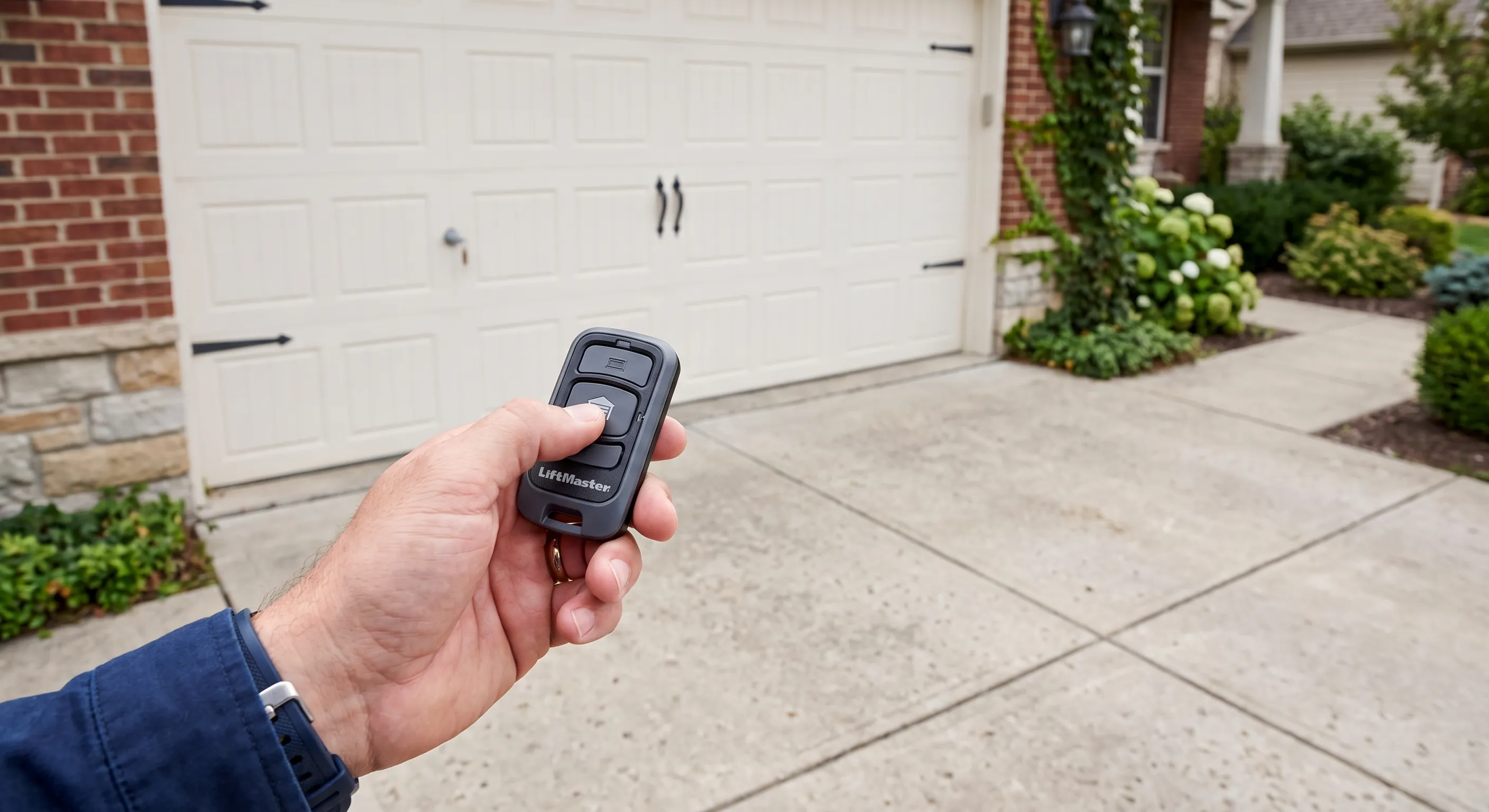
a mismatch in rolling-code technology between the old and new units, not a broken remote or a mistake you made during setup. Older remotes built for older openers often can’t communicate with newer rolling-code systems, and in that case the fix is a compatible replacement remote rather than a garage door repair or more programming attempts.
Key Takeaways
- Most sync failures after an opener replacement come down to technology mismatch, not a broken remote.
- If the remote is more than 10 years old, it may not meet current rolling-code security standards at all.
- Universal remotes need the correct dip-switch or “learn” mode set for your specific new opener brand.
- A remote that syncs but stops working after a day or two usually points to battery or range, not sync itself.
- If no remote at all will sync to the new opener, the issue is very likely the opener’s learn button or logic board.
- Keeping a simple written log of which remotes are synced saves real time in multi-remote households.
- Scheduling a garage door tune-up during a new opener installation helps confirm every remote pairs correctly from day one.
Quick Reference: Match Your Symptom to the Fix
Symptom You’re Seeing | Likely Cause | Best Fix |
No remote will pair at all | Rolling-code mismatch | Buy a compatible replacement remote |
Learn button light never blinks | Learn button not engaged correctly | Retry the pairing sequence within 30 seconds |
Universal remote won’t pair | Wrong dip-switch or frequency setting | Match remote settings to the opener brand |
Some remotes work, new ones won’t add | Opener memory full | Clear stored codes, sync one remote at a time |
Pairs fine, then fails a day later | Battery or range, not sync | Retest with a confirmed fresh battery |
Rolling-Code Technology Mismatch
Garage door openers moved to rolling-code, constantly changing, security codes years ago, replacing older fixed-code systems that repeated the same signal every time. That shift was designed to stop code-grabbing devices from copying a remote’s signal and opening the door without permission. An old fixed-code remote simply cannot communicate with a modern rolling-code opener, and no amount of reprogramming will change that, since the two systems are speaking entirely different electronic languages.
How to Fix a Garage Door Remote That Won’t Sync Due to Rolling-Code Mismatch
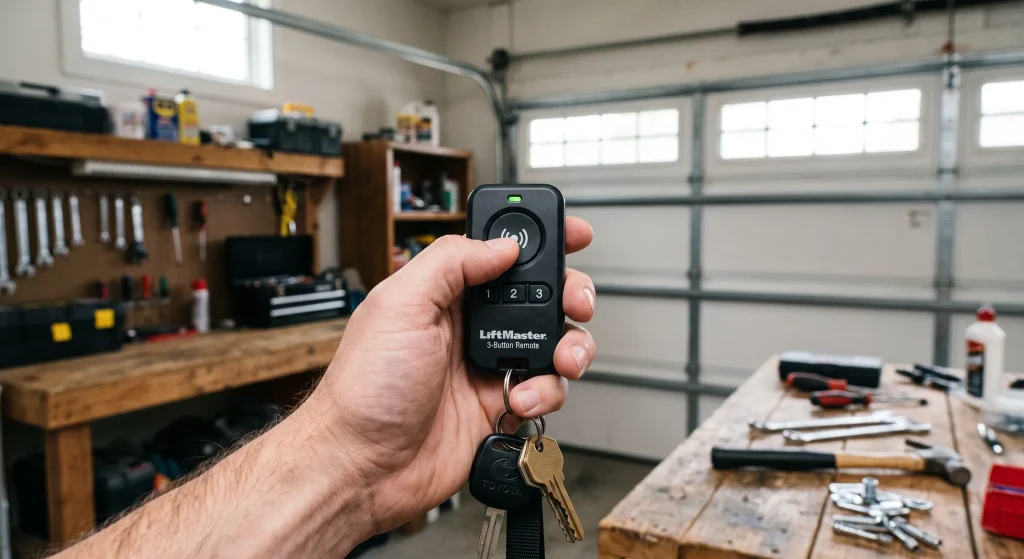
- Check your new opener’s manual or model sticker for terms like “Security+” or “rolling code.”
- Check your old remote’s age, if it’s more than 10 years old, mismatch is the leading suspect.
- If confirmed, the fix is a new, compatible remote for your specific opener brand and model, not more reprogramming.
- Call a pro if you’re unsure whether your setup is rolling-code or fixed-code, a technician can confirm this in minutes.
Learn Button Not Engaged Correctly
Every modern opener has a “learn” button, usually a small colored button on the motor unit itself, that puts the opener into pairing mode for a short window, typically around 30 seconds. Missing that window is one of the most common reasons a sync attempt fails on the first try, and it’s an easy step to rush past when you’re also trying to hold a remote, a ladder, and a manual all at once.
If a remote already works but only inconsistently rather than failing to pair at all, that’s a different problem; read Garage Door Remote Works Sometimes But Not Always? 7 Reasons for Intermittent Failures.
How to Fix a Garage Door Remote Sync by Using the Learn Button Correctly
- Locate the learn button on the opener’s motor housing, often near the antenna.
- Press and release the learn button, then press the remote button within about 30 seconds.
- Watch for the opener’s indicator light to blink or the motor to click, confirming it registered the code.
- Repeat if it doesn’t take the first time, sometimes it takes two or three attempts.
- Call a pro if the learn button produces no light or click response at all, which can indicate a logic board issue.
Incorrect Dip-Switch or Frequency Settings
Universal remotes, meaning any remote that isn’t the original brand-name unit, often require matching a specific frequency or dip-switch setting to the new opener before they’ll pair at all. These remotes are built to work across many different opener brands, which makes them flexible, but that same flexibility means an extra setup step that a brand-matched remote skips entirely.
How to Fix a Universal Remote That Won’t Sync to a New Opener
- Confirm the universal remote’s packaging or manual lists compatibility with your new opener’s brand.
- Set any physical dip switches according to the universal remote’s instructions before attempting to sync.
- If the remote uses a “scan” or “auto-learn” mode instead of dip switches, follow that model’s steps exactly.
- Call a pro if the universal remote’s documentation doesn’t clearly list your opener brand, since compatibility issues are hard to diagnose without the right equipment.
Opener Memory Full or Not Cleared
Most openers have a limited number of remote “slots” in memory, and that limit is easy to hit without realizing it. If the previous owner’s remotes were never cleared, or if several failed sync attempts left partial codes stored, the memory can fill up or become confused well before you’d expect it to.
How to Fix a Garage Door Opener That Won’t Accept a New Remote Code
- Check your opener’s manual for how to clear all stored remote codes, usually a long press on the learn button.
- After clearing, sync one remote at a time, testing each before adding the next.
- Keep a written log of which remotes are synced, especially in a household with several vehicles or family members.
- For manufacturer-level guidance on opener settings and safe operation, DASMA’s garage door and opener safety resource is a reliable industry reference.
- Call a pro if clearing memory doesn’t allow any remote to sync afterward, which points to a deeper opener fault.
If the remote pairs successfully but the door then won’t close afterward, that’s a separate issue: Why Won’t My Garage Door Close With the Remote? 5 Sensor and Alignment Problems covers that specific symptom.
Remote Battery or Range Issue Mistaken for a Sync Problem
Sometimes what looks like a sync failure is actually a battery too weak to complete the pairing handshake, which requires a strong, sustained signal to register correctly. It’s an easy cause to overlook, since a weak battery can still manage a short press at close range even when it can’t hold up through a full pairing sequence.
How to Tell If Your Garage Door Remote Sync Failure Is Really a Battery Issue
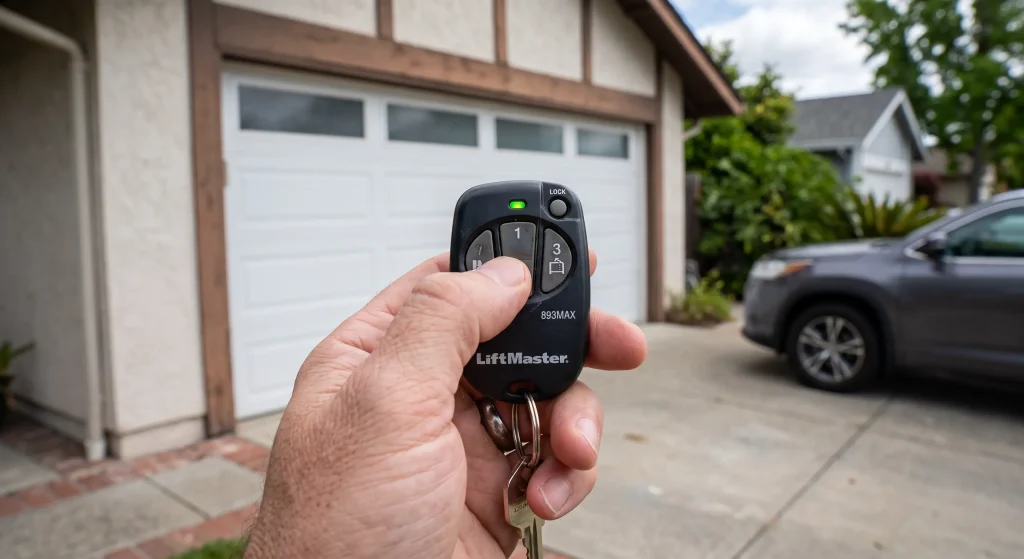
- Always test sync attempts with a confirmed fresh battery, not one that’s already suspect.
- If sync succeeds but the remote then fails intermittently afterward, that’s worth a separate look, not necessarily more sync troubleshooting.
- Regular battery and contact checks matter here too; Angi’s guide on how to inspect and maintain your garage door is a solid reference for building that habit.
- Call a pro if a fresh-battery attempt at close range still won’t sync, which rules out battery and points back to compatibility or the opener.
Try syncing from a few feet away as a diagnostic step; if that works but normal range doesn’t, that’s a range issue rather than sync, and Why Does My Garage Door Remote Only Work Up Close? 4 Signal and Range Fixes is the better guide for that.
Most Sync Failures Are a Mismatch, Not a Malfunction
Most sync failures after a new opener installation aren’t a defect; they’re a mismatch between an older remote and current rolling-code security standards, or a small step in the pairing process that got skipped. Working through the five causes above in order, starting with confirming compatibility and ending with a fresh battery check, resolves the large majority of cases without needing a service call at all.
First Responder Garage Doors programs and syncs remotes for all major opener brands throughout the Southlake, TX area as part of every installation, and we test each one before we leave. If your remote still won’t sync after trying these steps, contact us or give us a call to schedule a service visit, and we’ll get every remote in the household working the same day.